Download Your Truss Statements
On this page
Download monthly statements
-
Go to Accounts → Cash.
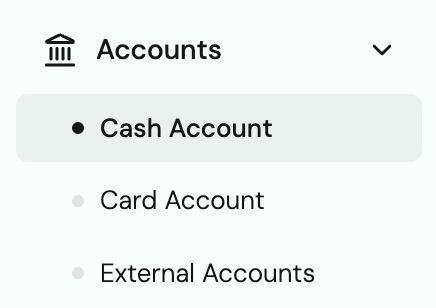
-
Scroll down to the Statements section.
-
Click any month to expand it.
-
Click Download — choose PDF or CSV.

Tip: CSV statements are ideal for importing into QuickBooks or Excel. PDF statements are what most banks and accountants want for verification.
Card statements
Card statements are separate from cash account statements.
- Go to Accounts → Card (select your card account).
- Scroll to Statements.
- Download the month you need.
Note on statement dates
Monthly statements are generated based on UTC time. This means a transaction you see on the last day of the month in your local time may appear on the first day of the following month's statement. This is normal.
Exporting all transactions
To export your full transaction history (not just a monthly slice), go to Transactions → click Export → choose your date range and format.