Pay Multiple Bills at Once (Multi-Bill Pay)
How to use Multi-Bill Pay
-
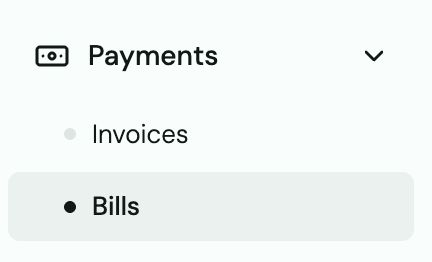
Go to Bills.
-
Click Pay Bills.

-
Check the boxes next to each vendor/bill you want to pay.
-
Review the total — you can only pay up to your available balance.
-
Click Pay Selected.

Each vendor receives a separate individual payment with their own acceptance email. Even if you pay 5 vendors at once, each gets their own notification.
Tip: Vendors with landlines cannot complete the SMS verification step in Multi-Bill Pay. Send those payments individually or by mailed check.
What vendors see for a multi-bill payment
Each vendor gets a single "Accept Payment Now" email — even if you have multiple bills for them. They click Get Started, verify their phone, and accept. The experience is identical to a single payment.