Freeze, Unfreeze, or Report a Card
Freeze a Truss card to instantly block all transactions, unfreeze when you're ready, or report unauthorized charges so we can escalate with our banking partner.
Freeze a card (temporarily block it)
-
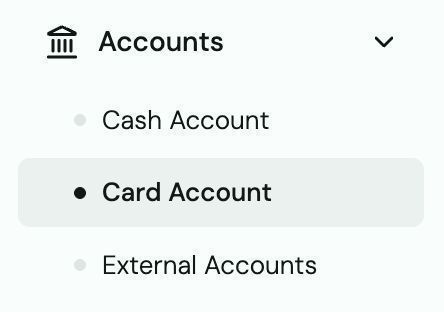
Go to Accounts → Card.
-
Select the card you want to freeze.
-
Click Freeze. The card is blocked immediately — no transactions will go through.
-
To unfreeze, return to the same card and click Unfreeze.
Tip: Freeze a card any time you suspect fraud, lose your card, or a team member leaves — then unfreeze or replace as needed.
Report an unauthorized transaction
-
Immediately freeze the affected card (see above).
-
Contact support@trusspayments.com with:
- Transaction amount and date
- Merchant name
- Last 4 digits of the card used
-
Do not wait — we escalate with our banking partner immediately.