Send a Payment Reminder to Your Vendor
When vendors need to accept a payment
When you send a bill payment via direct deposit, your vendor must accept it by clicking a link and entering their bank details. If they haven't done this yet, you can send them a reminder.
Send a reminder
-
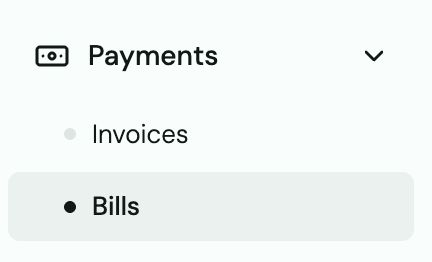
Go to Bills.
-
Find the bill that's waiting for vendor acceptance (status: Pending Acceptance).
-
Click Send Reminder.
-
The vendor gets a new email or text with the accept link.
Tip: Vendors who regularly receive Truss payments don't need to re-enter their bank details — they're saved after the first acceptance. Only first-time vendors need to go through the setup.
Heads up: Vendors with landline phone numbers cannot receive the SMS verification code. If a vendor is stuck at the verification step, ask them to use a mobile number — or send the payment as a mailed check instead.