Use Truss for Payroll & Direct Deposits
On this page
Your Truss account has real routing and account numbers
When you open a Truss account, you get a real business checking account — complete with a 9-digit ABA routing number and a full account number. This means any service that requires a business bank account works with Truss, including payroll providers.
How to find your routing and account numbers
-
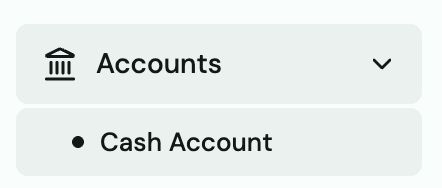
Go to Accounts → Cash in the left sidebar.
-
Look for the Account & Routing panel on the right side of the page.
-
Click the copy icon next to each number to copy it.
Tip: Your routing number and account number are the same numbers you'd give to any bank. They work for ACH pulls, wires, and direct deposit setups.
Set up payroll through Truss
To run payroll from Truss, give your payroll provider your Truss routing and account numbers:
- Gusto — Go to Gusto → Settings → Bank Account → enter your Truss routing + account number
- ADP — Go to ADP → Banking → add Truss as your funding bank
- QuickBooks Payroll — Go to QBO → Payroll Settings → Bank Account → enter Truss details
- Any other provider — Use the same routing and account number. Select "Checking account" as the account type.
Heads up: Some payroll providers use micro-deposits to verify the account (2 small deposits under $1, then you confirm the amounts). These typically take 1–2 business days. Watch your Truss transaction feed for two small incoming deposits.
Receive payments via ACH or wire
Share your Truss routing and account number with any customer or partner who wants to send you money by ACH or wire. Funds arrive in your Truss cash account directly — no action needed on your end.
Get a Bank Verification Letter
Some payroll providers or vendors require a formal letter verifying your account. In Truss, go to Accounts → Cash and click Bank Verification Letter — a PDF is generated instantly that you can email to any third party.