Order Checks for Your Truss Account
On this page
Option 1 — Order a Truss checkbook
-
Click Order Checkbook.
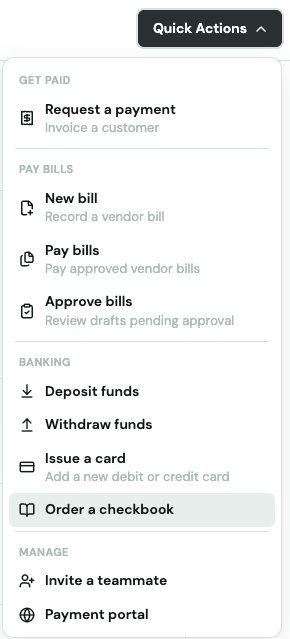
-
Confirm your mailing address and submit the order.
Your checkbook includes standard business checks pre-printed with your Truss routing and account number. Delivery typically takes 7–10 business days.
Option 2 — Order custom checks through a third-party printer
If you need more checks than a standard Truss checkbook provides, or want custom branded checks, order them from any business check printer. Give the printer your Truss routing number and account number — they'll print checks that draw directly from your Truss account.
Where to find your routing and account numbers
-
Go to Accounts → Cash in your Truss dashboard.
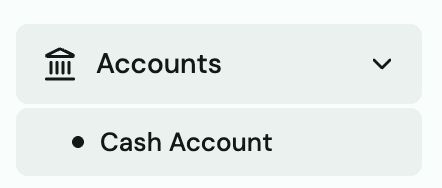
-
Find the Account & Routing panel on the right side of the page.
-
Copy your routing number and account number and give them to the check printer when ordering.
Tip: Common business check printers: Deluxe, Vistaprint, Walmart Checks, or any local print shop that does business checks. Make sure to specify it's a checking account and provide both your routing and account numbers.
Custom-printed checks with your Truss numbers work exactly like the Truss checkbook — they're processed as standard business checks through the same banking network.